

Contract Renewals Check-in
Reviews account health before renewal, opens the conversation, and follows the process through to a decision.
For B2B teams
Build agents that know your business. In item’s AI-native CRM, they work alongside your team to research accounts, qualify leads, and run your processes.

Look after the customers you already have. Item keeps every account up-to-date, and logs activity as it happens — surfacing expansion opportunities as accounts grow, flagging renewals before they pass, and catch relationships going quiet while there’s still time to act.
Account Manager
Look after the customers you already have. Item keeps every account up-to-date, and logs activity as it happens — surfacing expansion opportunities as accounts grow, flagging renewals before they pass, and catch relationships going quiet while there’s still time to act.
Outbound Manager
Proactively find and engage with new prospects autonomously. Find accounts that match your ICP, surface the right people for outreach, and runs campaigns at the standard your best rep would set — handing off to a human the moment it’s time for a real conversation.
Inbound Manager
Give promising leads a strong first experience. Your inbound agent enriches each inquiry, checks the fit against your customer profile, and routes the opportunity to the right person with the context to start a useful conversation.
System Manager
Give your team a CRM they can build on. Your system agent handles imports, finds duplicates, fills missing fields, and keeps records aligned with your operating rules. The daily work of keeping customer context useful, handled alongside your team.
Custom agents
Your best processes can become agents. Describe the job, connect the tools, and give the agent your instructions and business context. Build it around the way your team works, with people involved where their judgment matters.


Set access for each person, agent, and connected tool, down to individual fields. Decide what an agent can do and where your team steps in.
Set the scope of the work
Choose who can build, run, and edit each agent. Set the data, tools, and actions it can use.


Bring us a process your team knows well. We help connect the context, build the agent, and put it to work in your daily operations.
Account Manager
Reviews account health before renewal, opens the conversation, and follows the process through to a decision.


Watches for falling usage and support concerns. Alerts your team in Slack with the account context to act.


Brings usage, spend, and outcomes into a quarterly review your team can use to plan the next chapter with a customer.


Spots new seats, new teams, and rising usage. Opens an opportunity for your team to build on.
Turns a customer call into an updated record and follow-up: who joined, what was decided, and what happens next.


Finds accounts that have gone quiet and starts a conversation with the relationship history in hand.

Flags support issues that need attention and routes them to the account owner with the context to help.
Identifies successful customer relationships and reaches out for a story, review, or introduction.

Replace your legacy CRM with item. Bring customer information and business context together in the system your team and agents work from.
The data, workflows, and agents to run your revenue operations. Built into one CRM.
Bring customer information, company knowledge, and connected tools into one shared brain. Give your team and agents the context to do the work.
Give agents research, reminders, and processes to run. Schedule the work and pause for approvals or input when it is needed.
Put item to work in a conversation. Research an account, update a record, analyze your pipeline, or build a skill using plain English.
Turn your team’s processes into reusable agent skills. Give them the context and tools to act, with people involved where the work needs judgment.
Connect the tools your business runs on. Bring their context into item and give agents more places to get work done.
Run email and LinkedIn outreach from your CRM. Agents use customer context to personalize messages and choose when to reach out.
Bring new information straight into item with customizable forms. Make each response part of your customer context.
Map your market and find the accounts that fit. Score opportunities, track buying signals, and give your team a reason to reach out.
Capture what matters to your business with custom fields, from text and selections to values completed by AI.
Build the view each team needs. Filter shared data into lists, tables, and boards you can return to every day.
Bring email and calendar activity into the customer record automatically. Keep your team and agents working from the latest interactions.
Model the relationships and processes your business runs on. Give your team and agents a structure that fits the work.
See how prospects engage with email, LinkedIn, and your website. Use those signals to understand what is working across your funnel.
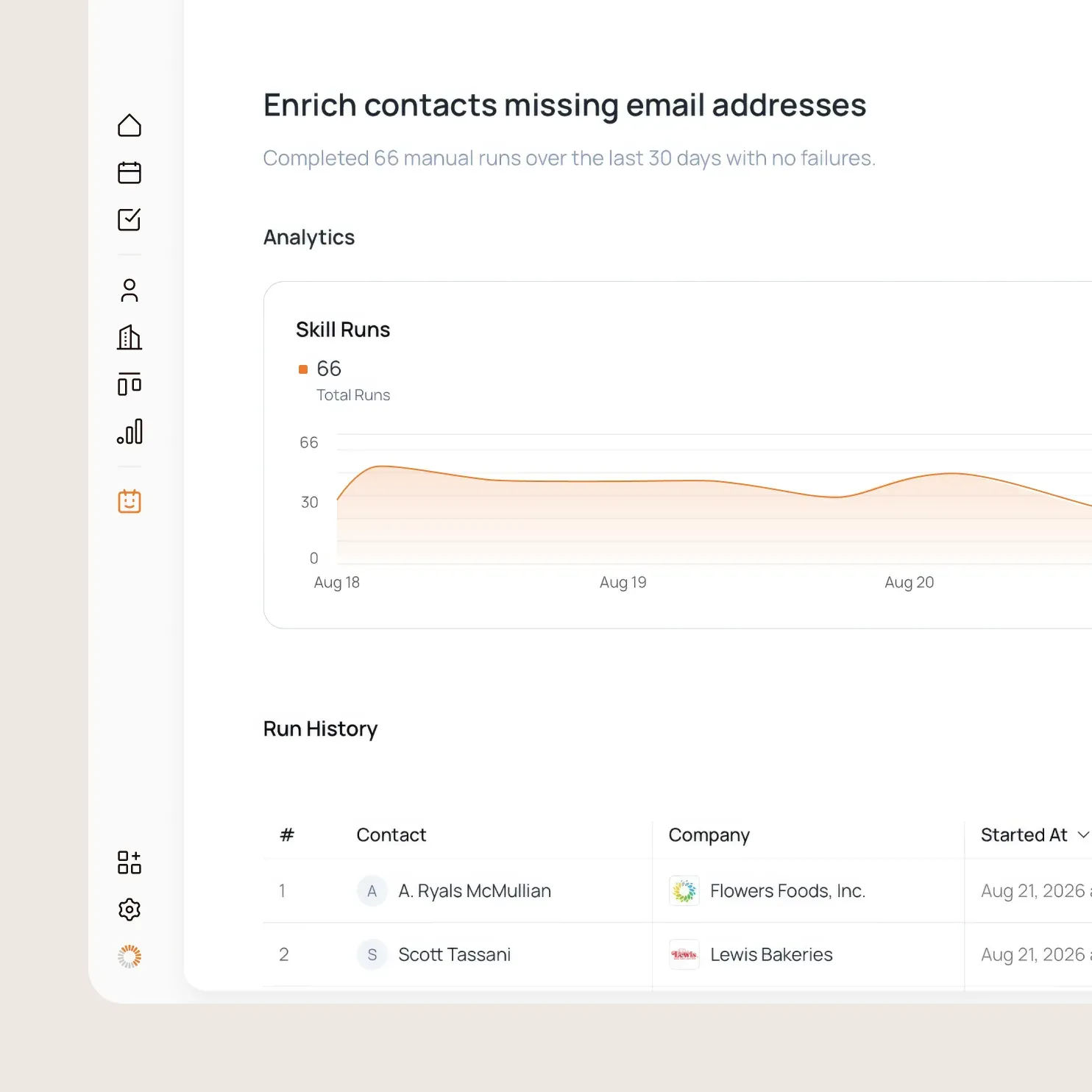
See the context, tools, actions, and outcomes behind each agent run. Review the work and build on what you learn.
Keep notes, documents, and links with the customer record. Carry what your team learns into the next conversation.
Bring customer interactions and team activity from your connected tools into one timeline. Give people and agents the history behind the next move.
Connect item to your product and internal systems. Build on the same customer context your team and agents use.
Connect ChatGPT, Codex, Claude, and your own agents to item. Give them access to your company context and the tools to act on it.
Add contact details, roles, and company information to your records. Give your team and agents a richer picture of the account.
Set what each person and agent can see and do across your data, connected tools, and actions.
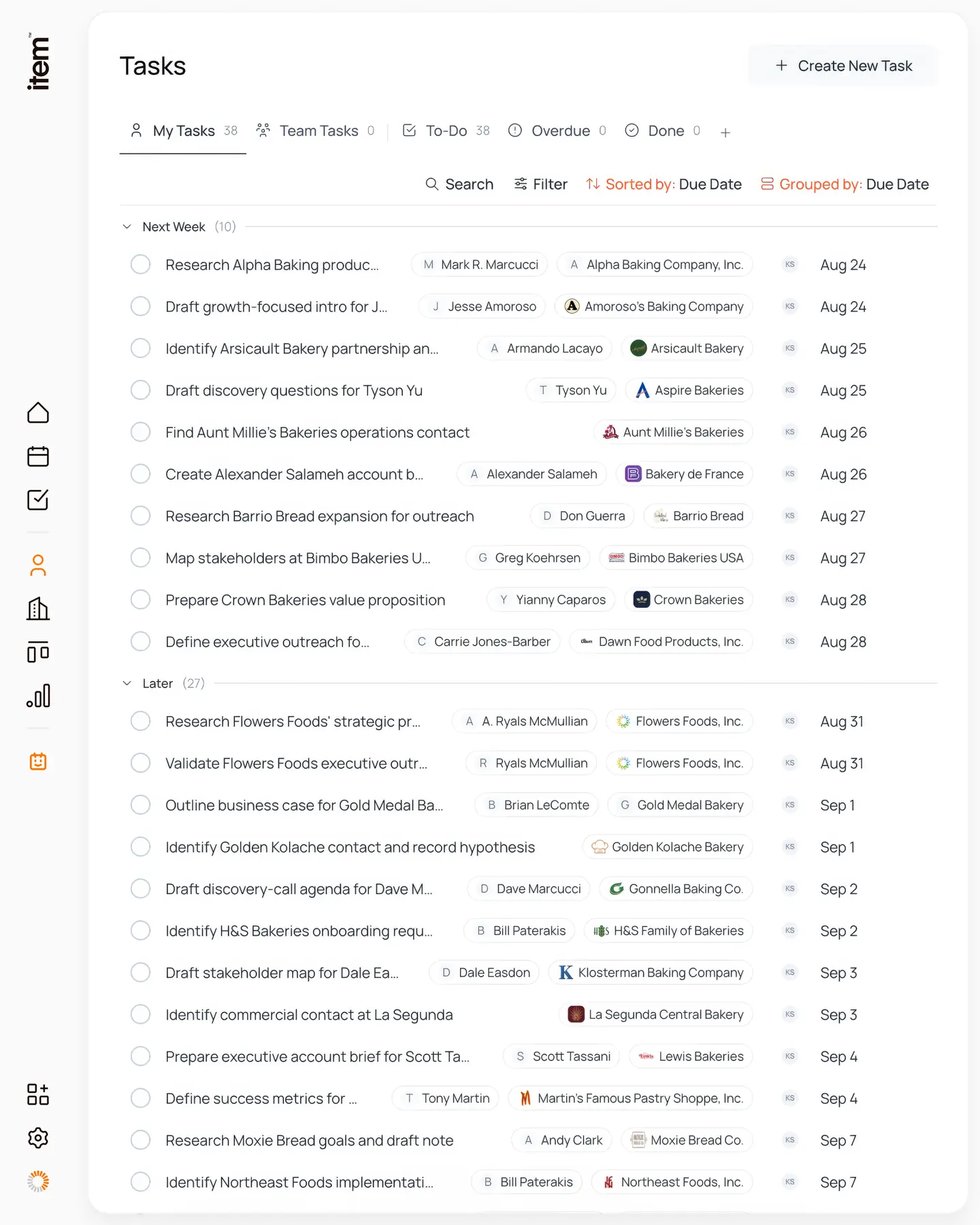
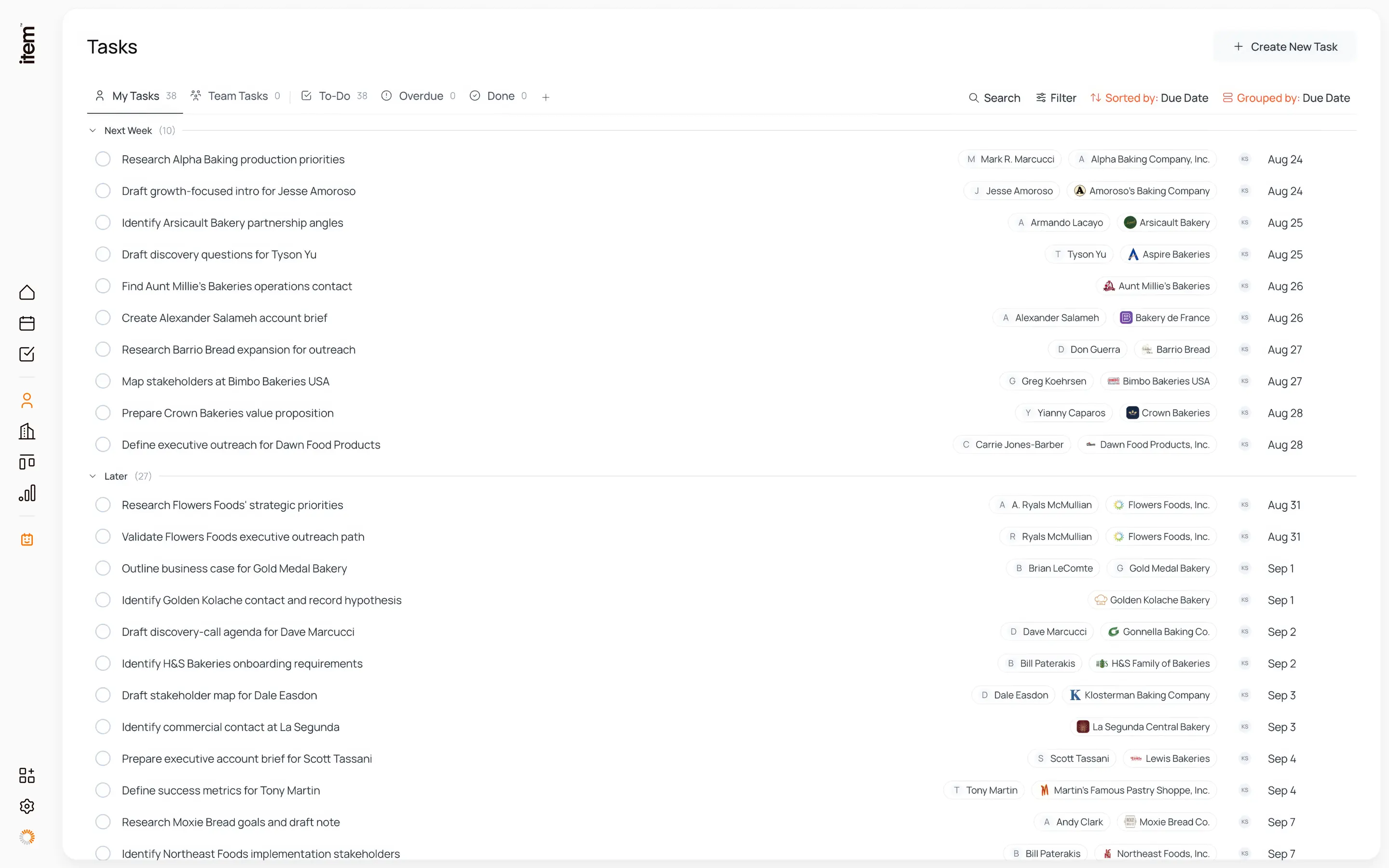
Keep the next steps connected to the account. Assign work, set due dates, and track progress across your team.
Build dynamic lists of people, companies, or custom objects. Give agents a set of accounts to monitor, update, and act on.
Ask item to analyze your customer data, answer questions, and build reports from your company’s context.

We have hundreds of people sign up every day. We need to know who they are, how to best reach out to them, and have it all stored in one central source of truth. That’s what we use Item for.

Our single source of truth for customers, with visibility across PostHog and Stripe, and accessible through our own agent.

item has helped me do the work of five salespeople, letting me focus on the things that can’t be scaled and can be automated

The experience switching from Hubspot to item was the easiest CRM transition I’ve ever experienced, the support that they provide is unmatched
Testimonial view 1 of 4
Connect the tools your business runs on, and give agents more context to work with. Choose from 100+ integrations, with MCP support for custom connections.






Give your team and agents a shared brain for the business. Replace your legacy CRM with item, and build your next advantage together.